
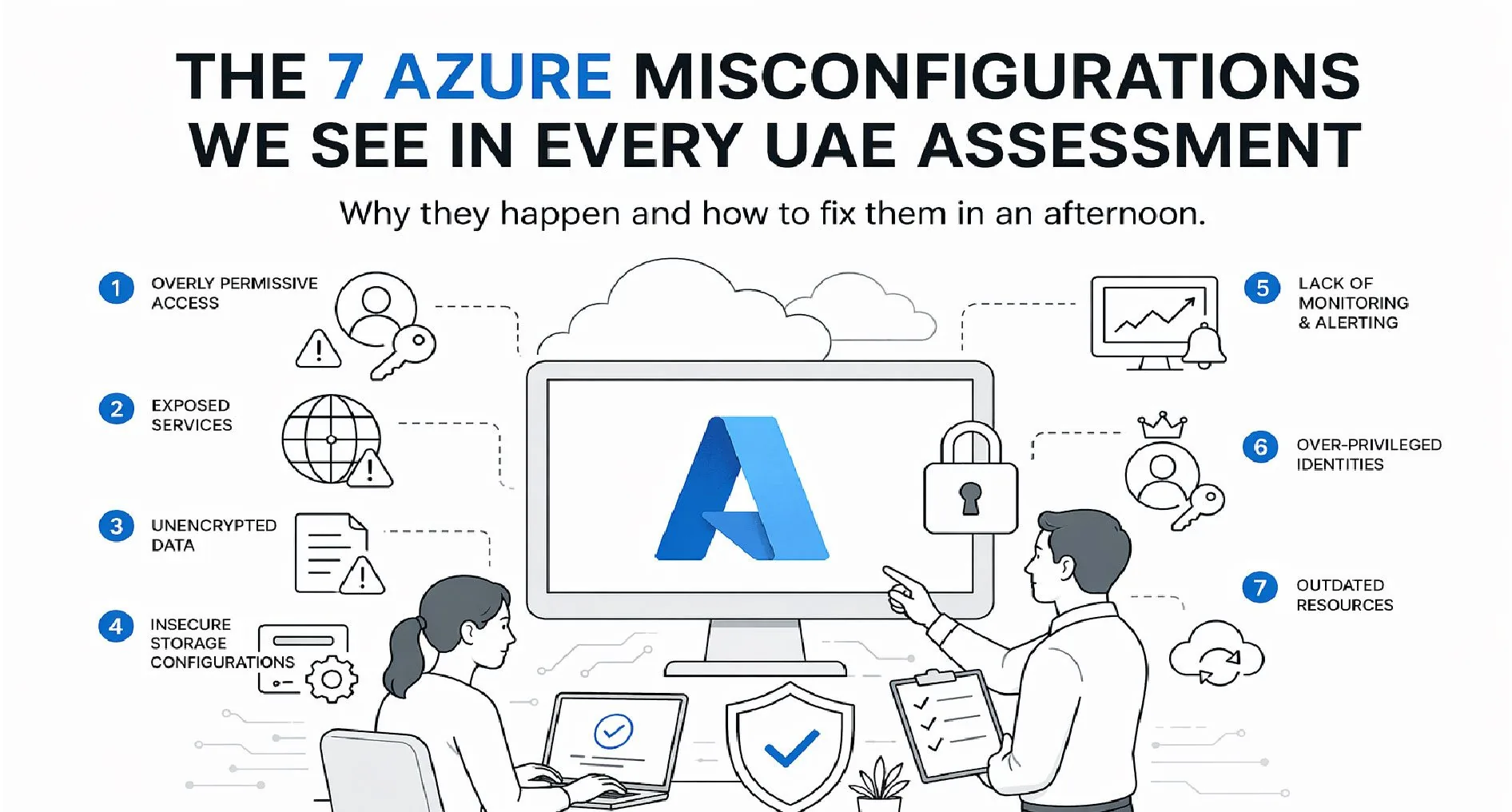
Every UAE Azure Tenant Has These
The UAE has one of the highest Microsoft Azure adoption rates in the region — government mandates, TRA guidance, and enterprise preference have pushed Azure to the default position for mid-market cloud infrastructure.
The consistent story: tenants are deployed fast, configured defaults are accepted, and security is revisited only after an incident or an audit.
These are the seven misconfigurations we find in almost every Azure assessment. Most take under an hour to fix. Together they close the vast majority of real-world risk.
1. Over-Permissive Conditional Access
Nearly every tenant we've reviewed has Conditional Access policies that either:
- Don't require MFA for admin accounts (break-glass account excepted)
- Exclude "trusted" named locations that are actually just office IPs from five years ago
- Don't enforce device compliance for Microsoft 365 app access
Fix: Baseline policies — require MFA for all users, block legacy authentication, require compliant or hybrid-joined device for sensitive apps. Microsoft's own "Security Defaults" cover 80% of this out of the box if Conditional Access isn't actively managed.
2. MFA Exceptions That Never Expire
Someone was locked out once. They got a temporary MFA exception. The exception stayed. Fast-forward two years and critical service accounts, old executive accounts, and offboarded-staff accounts all still bypass MFA.
Fix: Audit all MFA exclusion groups quarterly. Any exception should have an expiry date and a documented reason. Service accounts should use workload identities or managed identities, not MFA exceptions.
3. Storage Accounts with Public Blob Access Enabled
Default Azure storage-account configuration historically allowed public blob access. Even after Microsoft changed the default, tenants created before the change still have it enabled. Backups, exports, invoice files, app config — things that were "never going to be accessed externally" regularly show up in public-container scans.
Fix: Set the tenant-level default to disable public blob access. Audit existing storage accounts and enforce via Azure Policy. CIS Azure Benchmark control 3.3 covers this.
4. Entra ID Role Assignments Without Privileged Identity Management (PIM)
Global Administrator, Privileged Role Administrator, Security Administrator — assigned permanently to people who only need them occasionally. A phishing campaign that captures any of these credentials is an instant tenant takeover.
Fix: Enable PIM (requires Entra ID P2). Convert all privileged roles to eligible assignments with just-in-time activation, MFA at activation, and time-limited duration. Audit quarterly.
5. Microsoft Defender for Cloud Left at "Free" Tier
Defender for Cloud is enabled by default at the free tier, which only covers Secure Score. The enhanced protection (threat detection, just-in-time VM access, adaptive application controls, file integrity monitoring) is a paid tier — and it's disabled in roughly 80% of tenants we audit.
Fix: At minimum, enable Defender for Servers, Defender for App Service, and Defender for Storage on production subscriptions. Cost is roughly $15 – 30 per resource per month. Compared to the cost of a single incident, it's trivial.
6. Network Security Groups That Allow All Azure Services
The Azure Service Tag AzureCloud is a common default rule that allows traffic from any Azure IP. This means a compromised Azure tenant elsewhere in the world can potentially reach your resources.
Fix: Replace broad service tags with specific tags (AzureCloud.<region>, or specific services like AzureFrontDoor.Backend). Where possible, use Private Endpoints instead of public-facing NSG rules.
7. No Log Analytics Workspace — Or One Nobody Monitors
Azure generates enormous volumes of useful signal: sign-in logs, audit logs, resource logs, Defender alerts. Most tenants either don't have a Log Analytics workspace at all, or have one that nobody has logged into in six months.
Fix: Enable diagnostic settings on all critical resource types. Route to a Log Analytics workspace with at least 90-day retention. Set up basic alerts: failed admin sign-ins, impossible-travel, storage account key rotation, role assignments. Even better: pipe to Microsoft Sentinel or your SIEM.
The Pattern Behind All Seven
Every one of these misconfigurations has the same root cause: defaults were accepted at deployment, and security review was never scheduled. Fix that systemic issue and everything else becomes tractable.
What a Formal Review Looks Like
If you'd rather someone find all of these (and the 20 – 30 less-common issues we typically surface) for you, that's what our Azure Cloud Security Assessment does — CIS Azure Benchmark, Entra ID, RBAC, Defender, NSG, and Key Vault — end-to-end in 5 – 10 working days, from AED 15,000.
Most assessments produce 10 – 30 high-severity findings that take hours, not months, to fix. It's the highest-ROI cloud-security work available.
Want us to audit your Azure tenant? Book a 30-minute scoping call →
